01 / MAKE IT YOURS
Your site. Your style.
Customize colors for light and dark mode, and preview your changes before saving. Your comments should feel right at home.
A little more you.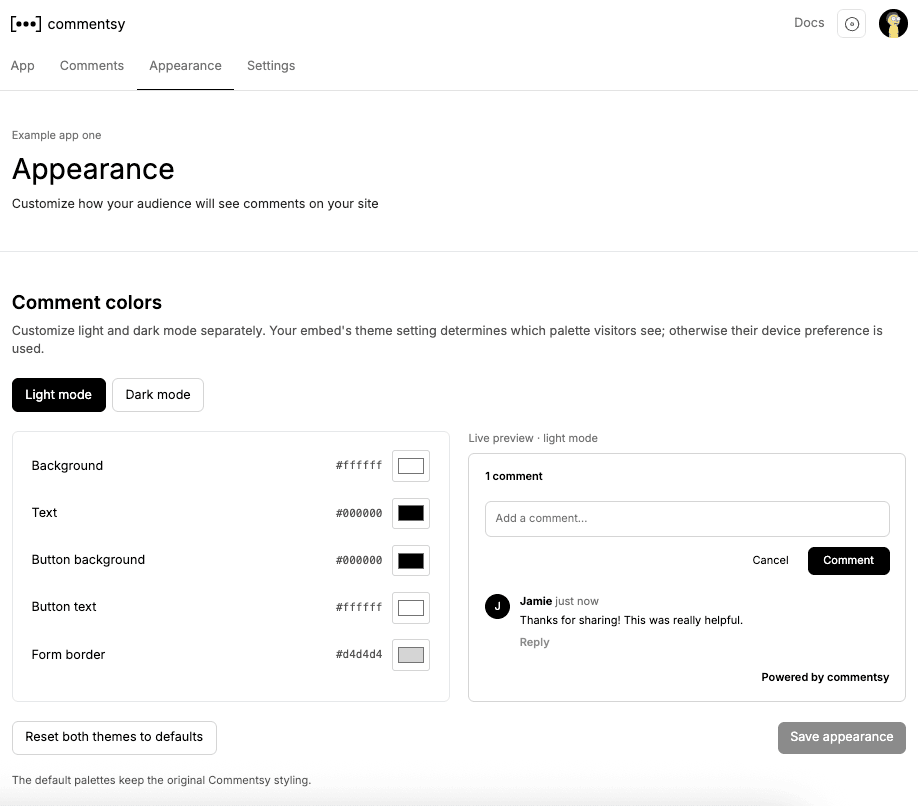
Commentsy is an open source, embeddable comment system for websites and blogs. Add threaded discussions in minutes, customize the theme, and manage comments from one dashboard.
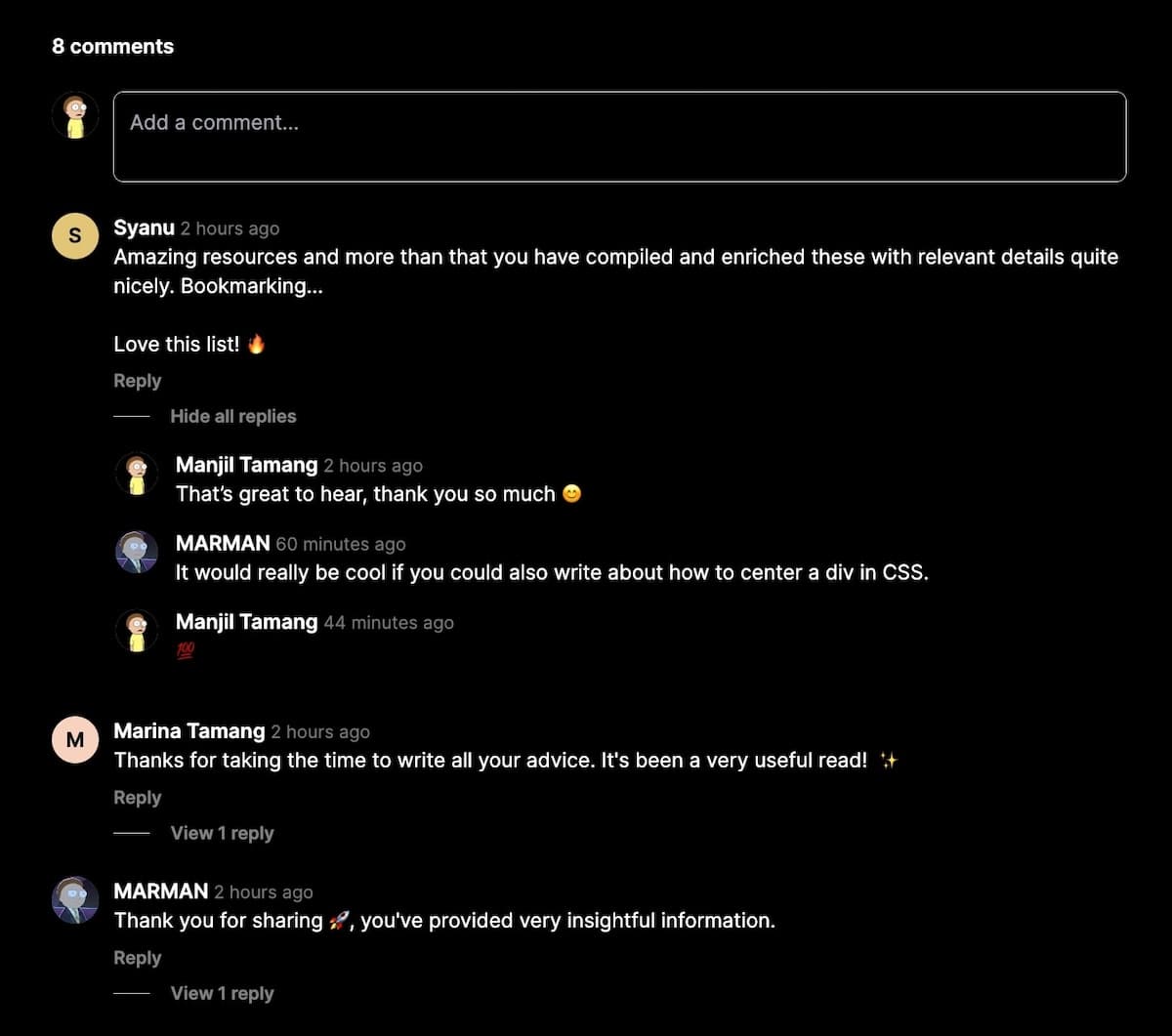
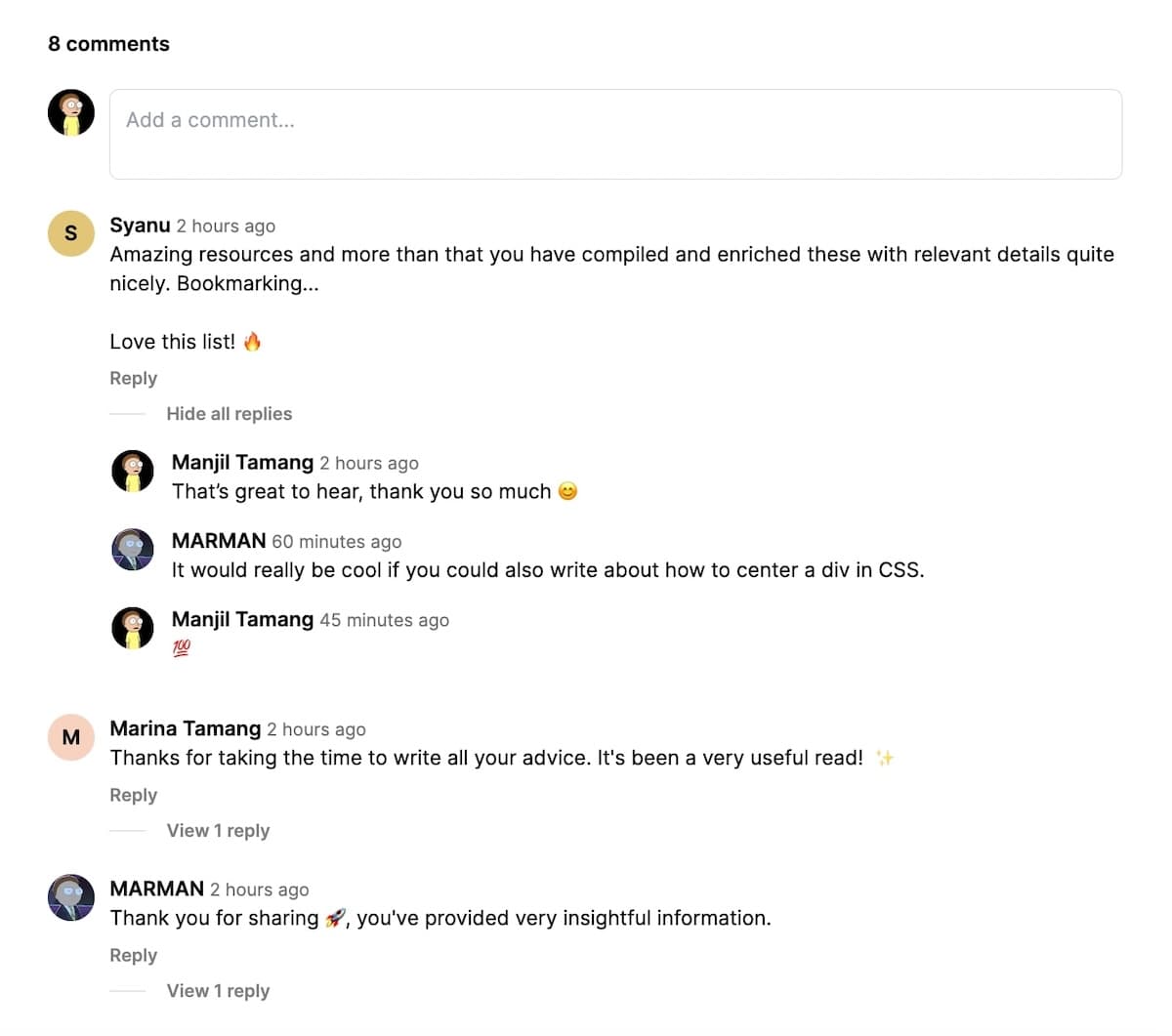
A place for conversation, wherever you create.
A simple experience for your readers. A thoughtful workspace for you.
Customize colors for light and dark mode, and preview your changes before saving. Your comments should feel right at home.
Review comments and replies across your sites. Require approval for guest posts, approve pending comments, and mark unwanted posts as spam from your Commentsy dashboard.
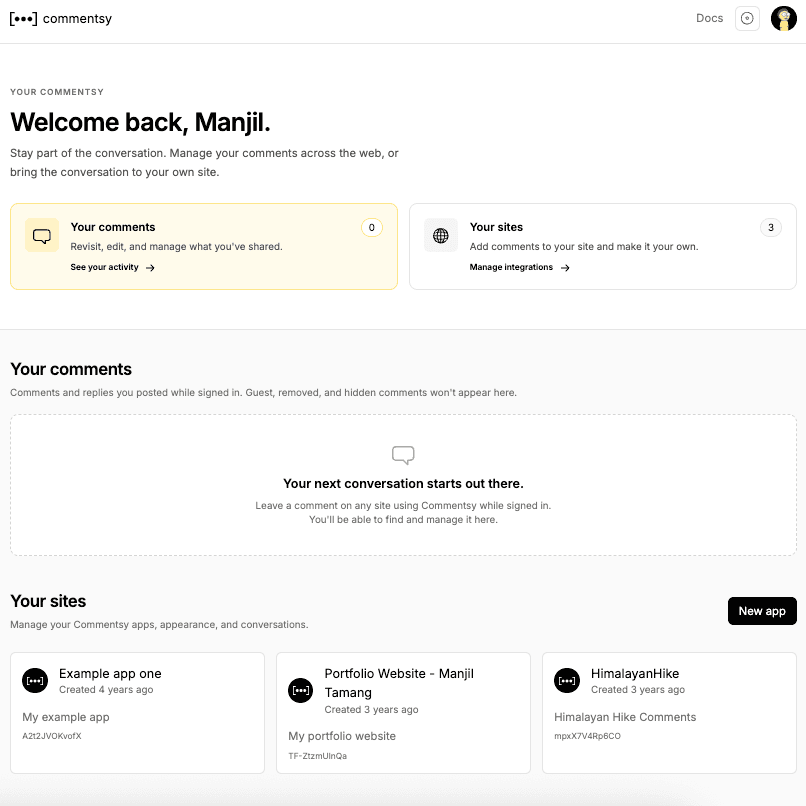
Find your comments and replies across sites using Commentsy. Jump back into a discussion, or edit what you've shared.
Find your next conversation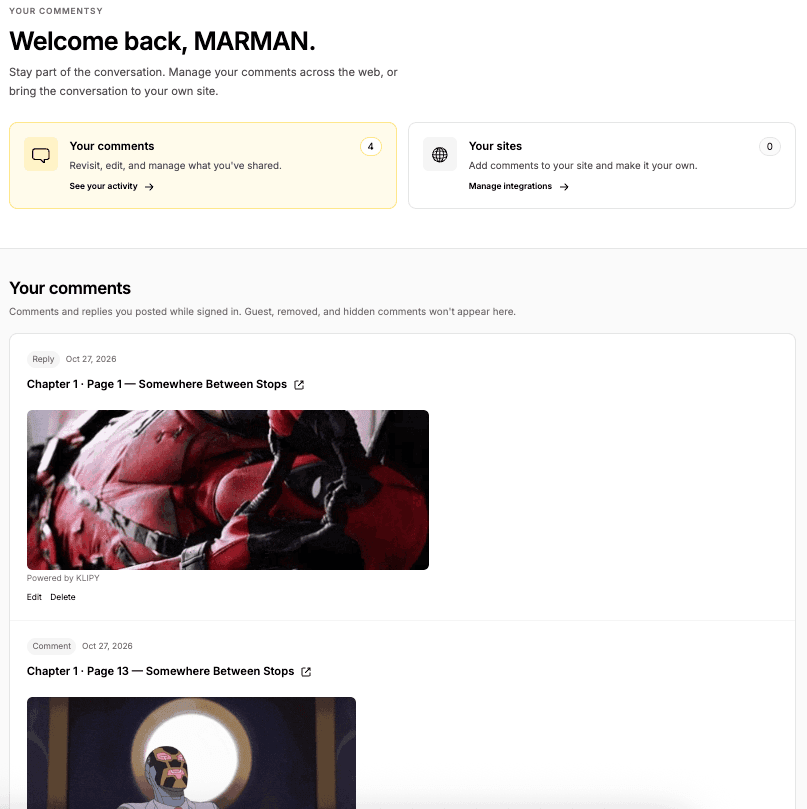
Create an account, add your site, and use its app code in the snippets below. No external dependencies required.
Place this HTML where you want comments to appear.
<!--
  Replace {{IDENTIFIER}} with your page's unique identifier variable
  The identifier you pass will be used to create a comments group
  For e.g. https://commentsy.vercel.app/{{YOUR_APP_CODE}}?identifier=my-new-blog-post
  -->
<iframe
  scrolling="no"
  frameborder="0"
  id="commentsyIframe"
  src="https://commentsy.vercel.app/embed/{{YOUR_APP_CODE}}?identifier={{IDENTIFIER}}&theme=light"
  style="width:100%;border:none;overflow:hidden"
></iframe>Paste this JavaScript inside your HTML head tag.
<script>
  /**
   * Important!!! Do not modify this code
   * Paste this JavaScript code snippet as it is inside your HTML <head> tag
   * or
   * Paste it into an external JavaScript file then include it inside your HTML <head> tag
   **/
  window.addEventListener("message", (event) => {
    const iframe = document.getElementById("commentsyIframe");
    if (iframe && event.source === iframe.contentWindow && event.origin === "https://commentsy.vercel.app" && event.data) {
      if (event.data.type === "commentsyResize" && Number.isFinite(event.data.height) && event.data.height > 0 && event.data.height <= 100000) {
        iframe.style.height = `${event.data.height}px`;
      }
      if (event.data.type === "pingCommentsyParent") {
        iframe.contentWindow.postMessage(
          {
            type: "commentsyParentSiteData",
            title: document.title,
            url: window.location.href,
          },
          "https://commentsy.vercel.app"
        );
      }
    }
  });
</script>Everything you need to get the conversation started.
Explore the docsCreate an account, register your site, and copy the iframe and JavaScript snippets into your pages. A stable identifier gives each page its own discussion. Follow the integration guide.
Yes. Commentsy works on blogs, static HTML sites, and other websites that allow an iframe and JavaScript. Your site does not need its own comment backend.
No. Visitors can post as guests or sign in. Turn on guest approval to review guest comments and replies before they appear publicly.
Yes. Commentsy is open source. Get the code and setup instructions on GitHub to run your own instance, with custom light and dark themes.
Bring the conversation to your corner of the internet.